OurDream Images Blurred After Resubscribing? Fix It
- If the profile still says Free, wait for the payment window before troubleshooting the gallery
- If the profile says Active, press Sync beside Active Subscription and refresh once
- If only one browser is affected, fix that browser's cached OurDream session
- If every browser shows the same blur on an active account, stop paying and send support a compact evidence bundle
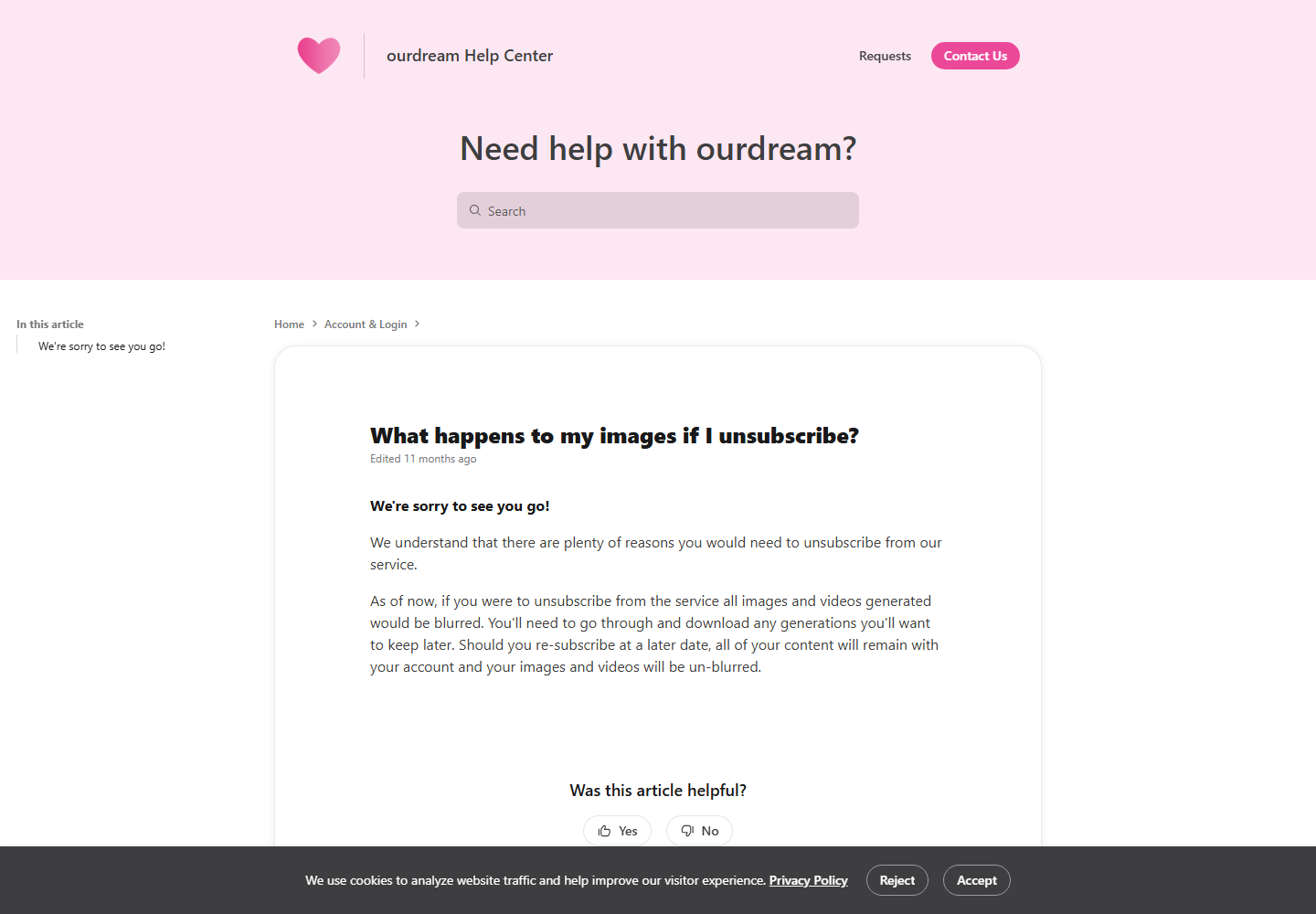
This is a narrow failure state. Your old media is still visible in the account, the subscription has been renewed or replaced, but the images or videos remain blurred. OurDream's own retention page says that generated images and videos stay attached to the account after unsubscribing and should be unblurred after resubscribing. Its current expiry guide says the same for ordinary media and community packs. If the new membership is active and the blur remains, the result is not the behavior those pages describe.
The useful way to fix it is to separate three states that look identical in the gallery: a payment still processing, an active subscription that has not synced to the product, and an active account whose browser is serving stale access data. Buying another plan does not tell those states apart. The checks below do, starting with the ones that change the least.
1. Check the account state before touching the images
Open the profile on the same OurDream account that originally generated or purchased the media. Look for Active Subscription. Do not use the bank charge alone as proof that the product has finished activating: a confirmed card authorization can appear before the account entitlement reaches the app. Also make sure you did not renew through a different email or sign-in method. Content remaining attached to one account cannot be unlocked by a subscription on another.
| What the profile shows | What it means | Next move |
|---|---|---|
| Free / no active membership | Payment or account linking has not completed | Wait for the documented processing window, then contact support if it is exceeded |
| Active Subscription | Payment reached the account | Use Sync, refresh and test a clean browser session |
| Active and new media works, old media blurred | The general subscription is live; the old library entitlement is the remaining fault | Record affected items and escalate after the browser checks |
| Active and only community packs blurred | The subscription is live, but pack access has not returned | Check Collections under My AI, then escalate without buying the pack again |
OurDream's payment-processing article gives two timing windows. Credit and debit cards usually take 2–15 minutes. Cryptocurrency can take from 15 minutes to 24 hours, depending on the blockchain. If the profile still says Free inside that window, waiting is a real step rather than a brush-off. Once the window has passed and the payment is confirmed, the same article tells you to contact support.
2. Use Sync before clearing anything
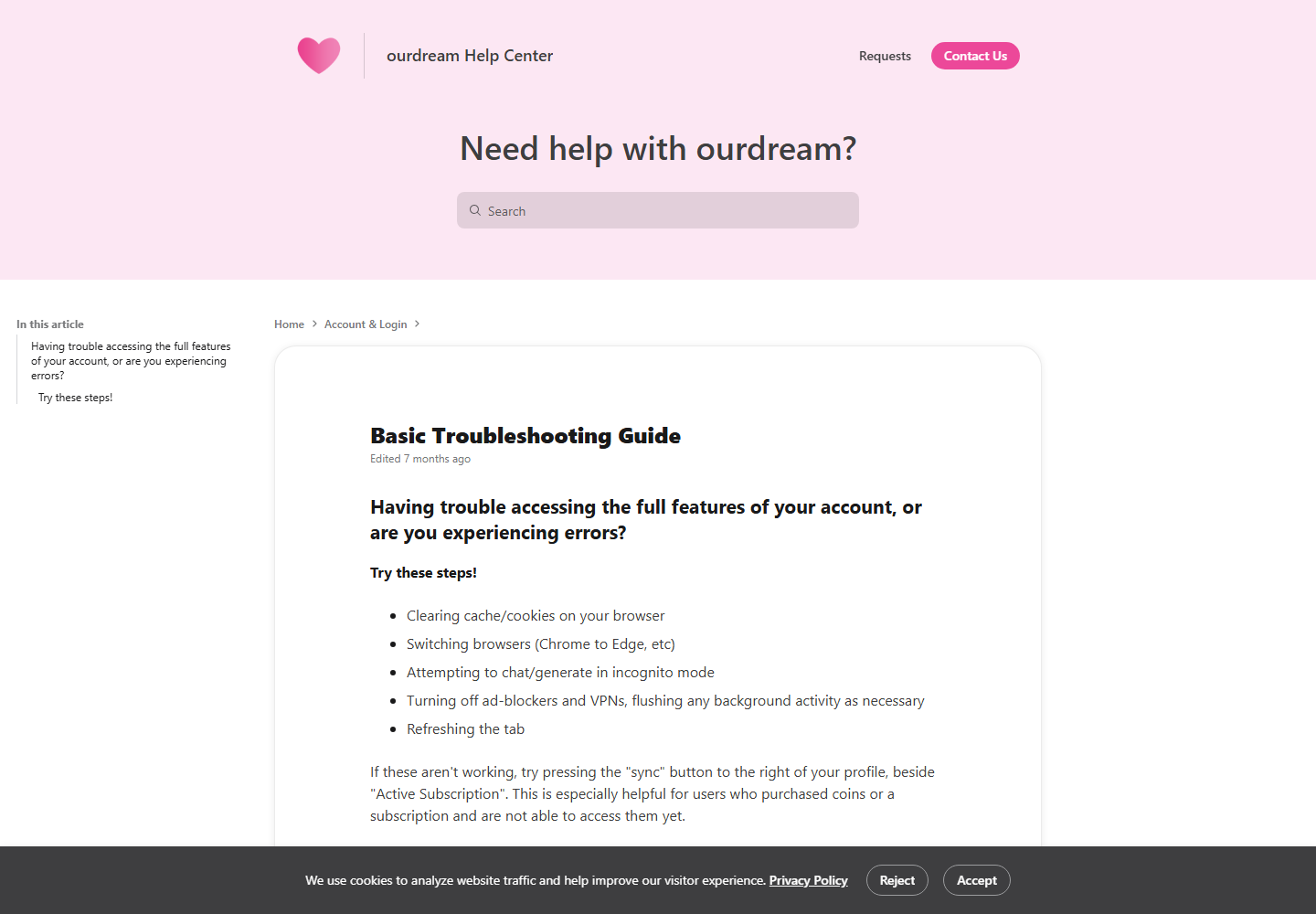
If the profile already says Active Subscription, use the control OurDream documents for exactly this class of mismatch. Its basic troubleshooting guide places a Sync button to the right of the profile, beside Active Subscription, and says it is especially useful when a subscription or coin purchase is not accessible yet. Press it once, let it finish, then refresh the tab and reopen one old image you know was available before the lapse.
Test one known item instead of scrolling the whole library. Use an old generated image first, then one old video, then a purchased community pack if you have one. That sequence tells you whether access returned globally or only for one content type. It also gives support a precise failure report later: ‘generated images restored, community pack still blurred’ is actionable; ‘my stuff is broken’ is not.
Do not click Sync repeatedly while the page is still updating. A single completed sync followed by one refresh is enough to test the account state. If it fails, move to a clean browser session instead of creating a second purchase or changing plans.
3. Rule out a stale browser session
An active profile with blurred media can still be a local display problem. Open OurDream in a private or incognito window and sign into the same account. If the old image is clear there, the subscription and server-side media access are working; your normal browser is holding stale site data. Clear OurDream's cookies and cache for that site, sign in again, and retest. There is no reason to wipe every browser cookie when the fault belongs to one origin.
If incognito shows the same blur, try a second browser. OurDream's guide explicitly recommends switching browsers, refreshing, and temporarily turning off ad blockers and VPNs. Test those one at a time. A blocker can interfere with a media request while the rest of the page looks normal, and a VPN can leave different requests passing through different cached or challenged paths. Restore your normal privacy setup after the test; the goal is to identify the failing layer, not to leave protections disabled.
| Test result | Likely layer | What to do |
|---|---|---|
| Incognito fixes it | Cookies or cached account data | Clear OurDream site data in the normal browser and sign in again |
| Another browser fixes it | Browser extension, cache or storage | Disable extensions for OurDream or reset that browser's site data |
| Turning off VPN fixes it | Network path or session mismatch | Reconnect without the VPN, sync once, then test the VPN again |
| Nothing changes anywhere | Account or media entitlement | Collect evidence and contact support |
4. Treat community packs as retained access, not a new purchase
Community packs have the same active-subscription rule as generated media. OurDream's community-pack explanation says a purchased pack is the library for one character, remains tied to that character, becomes blurred when the subscription expires, and should be visible again after resubscribing. Purchased packs live under Collections in My AI. If the pack is still listed there but its contents stay blurred, the purchase has not vanished from the interface; access has failed to restore.
Do not spend another 250, 750 or 1,000 DreamCoins on the same pack as a troubleshooting step. A second transaction can create a billing dispute without repairing the entitlement. Capture the character name, the Collections screen and one affected item, then include those details in the support request. The current DreamCoin rates and the separate cancellation wording are tracked in our DreamCoins explainer, but neither changes the media-restoration promise at issue here.
5. Send support evidence that isolates the failure
Once the payment window has passed, Active Subscription is visible, Sync has completed and the same item remains blurred in incognito or another browser, more refreshing is unlikely to add information. Use the Contact Us or Requests link in the OurDream Help Center and give support a short timeline they can verify against the account.
- The account email and the sign-in method used for both the old and new subscription
- Payment method, payment time and the receipt or transaction ID; never send a full card number or security code
- A screenshot showing Active Subscription and the approximate time Sync was pressed
- One affected generated-image or video identifier, or the character name for an affected community pack
- Whether new media works and whether the same old item stays blurred in incognito and a second browser
- Whether an ad blocker or VPN was active, and whether disabling it changed the result
That bundle distinguishes an account-wide activation problem from one stale browser and from one old library record that failed to regain access. It also avoids exposing payment details support does not need; our OurDream account-safety guide covers the broader privacy and billing context. Keep the original files in the account while the request is open. The retention pages promise to unblur content that remains attached to the account; they do not promise to recover media you delete while troubleshooting.
What successful recovery should look like
The expected result is simple: the old image, video or community-pack item remains in the same place and becomes viewable again. OurDream's media-retention page says resubscribing unblurs retained generated content, while the subscription-expiry guide says renewal or a new active membership restores access. You should not need to regenerate the image, recreate the character, repurchase the pack or consume DreamCoins merely to reveal existing media.
If your profile still says Free, solve activation first. If it says Active and a clean browser fixes the gallery, solve the local session. If it says Active everywhere and the same retained item stays blurred, you have reached the support case: the documented entitlement is present, the documented recovery controls failed, and the evidence above gives OurDream enough detail to repair or explain the account state without another charge.
Frequently asked
Why are my OurDream images still blurred after I resubscribed?
The usual causes are a payment that has not finished processing, an account entitlement that has not synced, or stale browser data. First check whether the profile says Active Subscription, then use Sync and test the same media in incognito or another browser.
How long should an OurDream subscription take to activate?
OurDream's current help page says credit and debit card payments usually take 2–15 minutes. Cryptocurrency can take from 15 minutes up to 24 hours depending on the blockchain.
Where is the OurDream subscription Sync button?
OurDream describes it as the Sync button to the right of your profile, beside Active Subscription. It is intended for subscriptions or coin purchases that the account has not exposed yet.
Do I need to buy my old OurDream community pack again?
No. OurDream says purchased community-pack media is blurred while the subscription is inactive and visible again after resubscribing. If the account is active and Sync does not restore it, document the affected pack and contact support instead of repurchasing it.
Does resubscribing restore deleted OurDream images?
The help pages promise to unblur content that remains attached to the account. They do not say that deleted content can be recovered, so this fix applies to media that is still present but blocked or blurred.
Should I clear all browser data before contacting OurDream support?
Test an incognito window or a second browser first. If the media works there, clear only OurDream's site data in your normal browser. That is more targeted than deleting cookies and sessions for every site you use.
Check the subscription state in the same account
Open OurDream, confirm that the profile says Active Subscription, then use Sync before changing the plan or buying content again.
Open OurDream →18+ only · Cancel anytime
Keep reading
Replika Alternatives After the Personality Changes
People do not leave Replika over features. They leave because the companion they had stopped being that companion. Here is what that means for choosing the next one.
10 min readBasicsWhat Is an AI Waifu? A Plain-English Explainer
From anime in-joke to a category with millions of users. Where 'waifu' comes from, what an AI waifu is, and how it differs from an AI girlfriend.
8 min readExplainerWhy the Charge Doesn't Match the Subscription Price
A statement can differ from the headline price because an annual plan bills upfront or an in-app balance was topped up separately. Here is how to match the amount before contacting support.
9 min readGuideWhich AI Companion Apps Require ID Verification in the US?
One of the three apps we cover asks for a video selfie, a document, or a third-party ID check before you can sign up from a US IP. The other two ask for nothing. What that split actually maps to, and what we still can't tell you.
9 min read