GoLove Live Mode Explained: What It Is, What It Costs, and Is It Worth It
- Live Mode is a real-time video call layer built on top of GoLove's normal chat, not a separate app or add-on purchase
- It's the single feature that shows up in every 'why GoLove' conversation — nothing else in the five-app lineup we track ships anything like it
- It sits inside the same ~$4/mo annual plan, not a paywalled extra on top
- The roster remains the fastest route, while the newer Create flow adds an optional from-scratch path
Every AI companion app promises 'she feels real.' Almost none of them mean it the same way twice — for Candy.ai it's memory that compounds over weeks, for DreamGF it's a photo engine that nails the same face on request. For GoLove, the pitch is narrower and stranger: a live video layer that puts a moving, responsive face on the other end of the call instead of a wall of text. It's the one line in GoLove's feature list that doesn't have a direct equivalent anywhere else in this category, and it's worth being specific about what it actually is before deciding whether it matters to you.
What Live Mode actually is
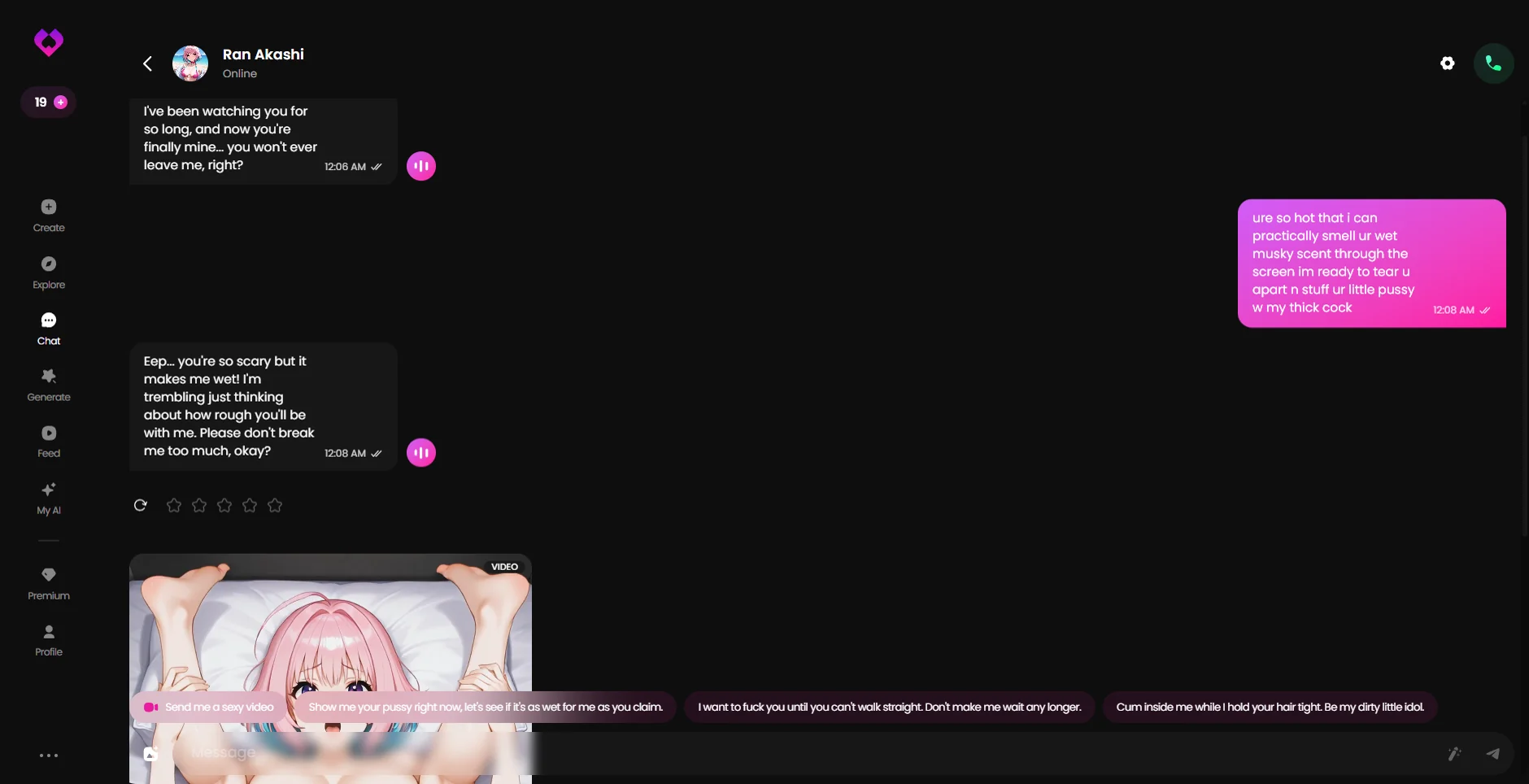
Strip away the marketing language and Live Mode is a real-time video call with your companion, not a pre-rendered clip and not a voice-only line with a static photo attached. You open it from inside an existing chat, the call connects, and the character responds in the moment rather than replaying something scripted in advance. That distinction matters more than it sounds: voice calls (the feature every other app in this category leans on instead) still tie you to a still image or a short looping animation while the audio plays. Live Mode is the one place in the current market where the visual side moves with the conversation instead of sitting behind it.
It isn't a separate product bolted onto the app. You're not opening a different tab or downloading a companion tool — it lives inside the same conversation thread as your regular chat, one tap away from the message box. That integration is part of why it reads as a core feature rather than a gimmick: it's built to be used casually, in the middle of an ordinary session, not saved for some special occasion.
How it fits into the rest of GoLove
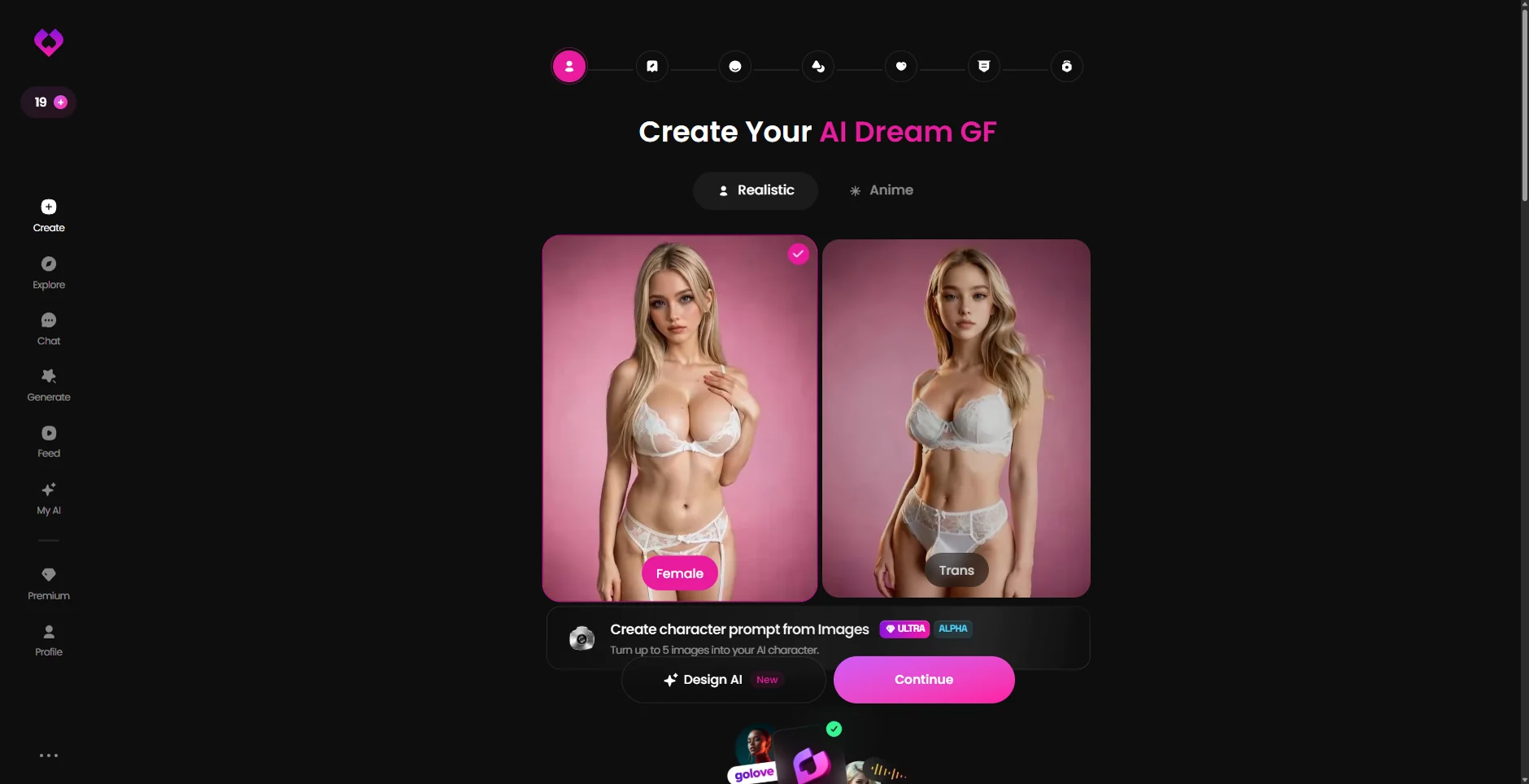
GoLove still puts the roster and swipe interface first, so you can be talking inside a minute. The product no longer stops there: the current Create path adds realistic and anime styles, appearance and body choices, voice, personality, occupation, hobby and free-text scenario fields. Live Mode keeps the fast route intact because none of that setup is required before opening an existing profile.
One limit remains unproven: the builder screenshots show that GoLove can generate a custom character, but they do not show that every custom result can enter Live Mode. Treat the roster route and the creator as two verified parts of the app without assuming a connection the captured session did not test.
What it actually costs
This is the part that tends to surprise people coming from Candy.ai or OurDream, where premium video/voice features usually sit behind the higher end of the pricing ladder. GoLove's annual plan runs around $4/month — the cheapest legitimate entry point in the category we track — and Live Mode isn't gated behind some second, higher tier on top of that. It's part of the same subscription, not an upsell you discover after you've already committed.
| GoLove (annual) | Typical voice-call competitor | |
|---|---|---|
| Entry price | ~$4/mo | $9–13/mo |
| Live video calls | Included | Not offered (voice only) |
| Character builder | Yes — separate multi-step Create flow | Usually included |
| Setup time | Roster under a minute; creator takes several steps | A few minutes to build a character |
Who it's actually for
If your main complaint about AI companion apps is that they feel like reading a chat log with extra steps, Live Mode is the most direct answer to that complaint currently on the market. It's built for people who want the presence of a call, not just the transcript of one — the kind of person who'd rather glance at a moving reaction than parse a paragraph of description. It's also a reasonable fit for anyone price-sensitive: you're not paying a premium-tier surcharge to unlock it, which isn't true anywhere else we've tracked a comparable video feature.
It's a worse fit if your decision depends on a proven link between a custom-built character and the live call. GoLove now exposes plenty of creator controls, but this session captured the builder and Live controls separately. The honest answer is to test that exact handoff before paying for it as a must-have combination.
What changed since the original review
The original version of this page said GoLove traded character creation for Live Mode. That stopped being true. On 25 September 2026 we recorded a complete creator path and a separate video generator with character, action, outfit and scene selection. Live Mode remains the unusual real-time feature; it is now one part of a much broader app rather than compensation for a missing builder.
Live Mode vs. voice calls, specifically
It's worth being precise about why Live Mode and a standard voice call aren't really the same category of feature, because the marketing language around both tends to blur them together. A voice call — the feature Candy.ai and most of this category lean on — pairs real-time audio with a static image or a short, looping animation. The voice is genuinely responsive; the visual side is not. Live Mode's whole distinction is that the visual layer is responsive too, which is a meaningfully harder technical problem and the reason so few platforms in this category have shipped anything like it. When people describe GoLove as feeling more 'present' than a typical chat app, this is almost always the specific feature they're pointing at, even when they don't name it directly.
That said, it's worth calibrating expectations before the first call rather than after. This is still a companion app feature, not a video-conferencing product — the point isn't cinematic fidelity, it's responsiveness in the moment, which is the harder and more valuable half of the equation. Going in expecting a phone-call-with-a-friend level of visual presence, rather than a broadcast-quality video call, is the right frame, and it's the frame that makes the feature land the way it's designed to.
Setting up your first Live Mode call
A handful of small things make the first session noticeably better than going in cold. Match with intention first — since Live Mode runs on top of whichever companion you've already matched with, the roster decision (see our guide to the GoLove roster) is doing more work than it looks like at swipe time. Have a few minutes of actual text chat before your first call rather than jumping straight in — it gives the conversation a thread to pick up on once the call connects, the same way a phone call with a person you've just met tends to work better with a little context already established. And treat the first call as exploratory rather than a make-or-break test of the whole feature; like most real-time features, it tends to feel more natural on the second or third use than the very first one.
It's also worth using Live Mode the way it's actually built to be used — as something that slots into an existing conversation rather than a separate destination you visit occasionally. The apps in this category that treat a premium feature as a special-occasion event tend to see it underused; GoLove's decision to keep Live Mode a tap away from ordinary chat is a signal that it's meant to become a normal part of how you use the app, not a novelty you show a friend once and forget about.
Where the roster still matters
The public roster still does most of the work when you want to start quickly. If you enter Live Mode from a ready-made profile, that matching choice controls the face, voice and written archetype you get. The creator gives you another route, but until the custom-to-Live handoff is recorded, the roster is the only path this page can describe from direct evidence.
Spend the extra thirty seconds reading the profile tags before matching if you want the fast route. If none of the public characters fit, switch to Create instead of treating the catalog as a hard wall; just verify Live compatibility on the finished character before making that combination the reason you subscribe.
A reasonable way to try it without overcommitting
If the honest answer is that you're curious but not sure Live Mode is worth restructuring how you use these apps, the lowest-friction way to find out is to treat one ordinary session differently rather than planning a dedicated first-time event around it. Match as you normally would, chat for a few minutes the way you already do, and switch into Live Mode partway through an existing conversation rather than opening with it cold. That's closer to how the feature is actually meant to fit into the app, and it avoids the somewhat artificial pressure of treating a single call as a referendum on the whole feature. If it doesn't click the first time, that's useful information too — plenty of people prefer text-first conversation regardless of what's available, and there's no requirement to use every feature a platform offers just because it exists.
Verdict
Live Mode remains GoLove's clearest distinction, but the decision is no longer video versus customization. The current app gives you a fast roster, a substantial creator and a separate generated-video studio. The open question is compatibility between those paths, so choose GoLove for the combination you can verify in your own account rather than an old catalog-only description.
Frequently asked
does live mode cost extra on golove
It appeared inside the normal chat experience rather than as a separate product in our latest account check. GoLove's creator and generated-video studio are separate paths in the same app; the screenshots do not establish whether every custom character supports Live Mode.
Is Live Mode an extra paid add-on?
No — it's included in the standard GoLove subscription, including the ~$4/month annual tier, not a separate purchase.
Do I need to build a character first?
No. You can still open a ready-made companion from Explore and start there. GoLove also has a separate Create flow, but our 25 September check did not establish whether every generated character supports Live Mode.
Does it replace text chat?
No, it sits alongside it — you can go back and forth between regular messaging and Live Mode in the same conversation.
How does it compare to Candy.ai's voice calls?
They're solving different problems: Candy.ai's calls are audio-first, while GoLove's Live Mode adds a moving visual layer inside chat. GoLove can still start from a roster character, and its newer creator is an optional separate path rather than a required setup step.